Coming very soon
to the App Store.
TuffEdit for iPhone is almost ready. Leave your email and we will tell you the day it's out. One email, nothing else.
TuffEdit for iPhone is almost ready. Leave your email and we will tell you the day it's out. One email, nothing else.
TuffEdit cuts your clips on the beat, finds the best moment in each one and adds the effects. You pick the style.
TuffEdit listens to the song and finds every beat and every bar. Then it cuts your clips right on them and picks the best moment of each one. This edit was made by TuffEdit on the song you are hearing: watch each cut land on the grid.
Each style is a finished edit: the cut, the looks, the effects, the text and the song. Tap Remix and get another version.
No masking, no tracing by hand. TuffEdit scans every frame, finds the subject of your clip (a person, a pet, a car, a board) and cuts it out. Then it lights it up: glows, lightning, outlines and color, right around it.
Flashes, slams, shakes and zooms that land exactly on the beat. Turn the sound on: these were made on this song.
Whips, punches, spins and glitches between your clips, timed to the music.
Two layers. A look changes the colors of your clips. An overlay adds light, dust or grain on top.
Type a few words. They slam in, shake, glow and fill, in time with the song.
Thousands of ready-to-use tracks made for edits, every genre and mood, each one already on the beat. All royalty-free: post your edits on TikTok, Instagram, YouTube and anywhere else, for free, commercial use included.
The edit is never final. Swap any clip, move any cut, change any effect or word. Or let TuffEdit make it again.
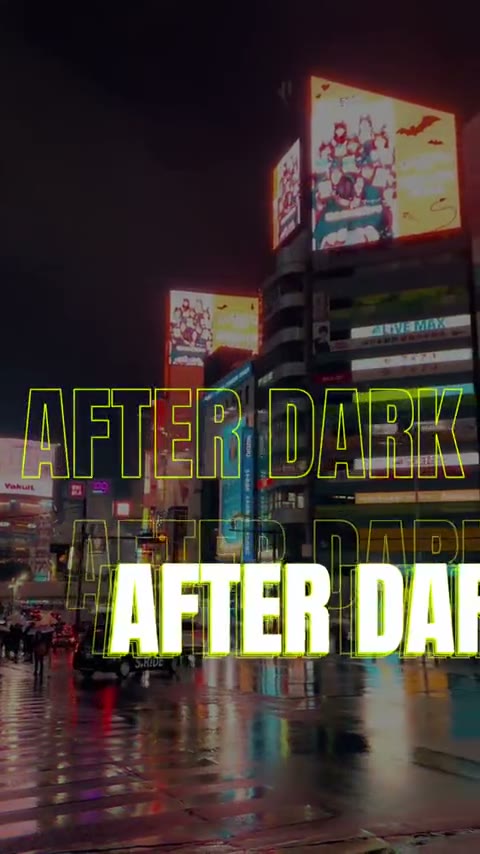
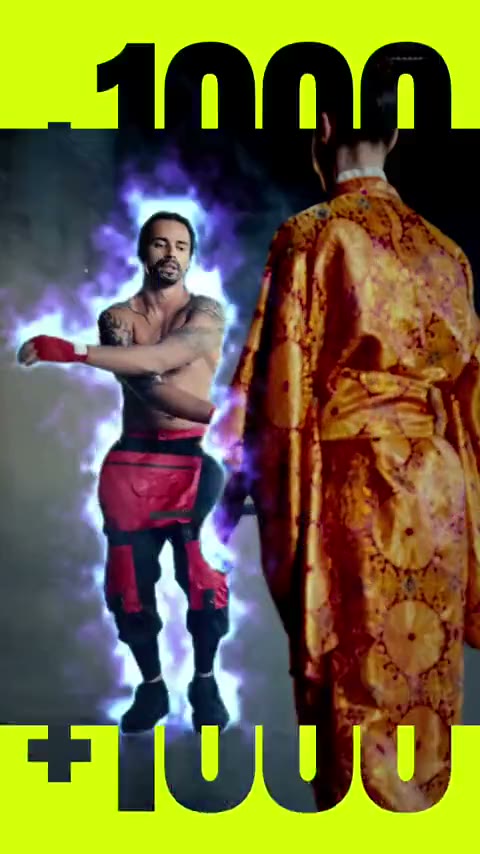
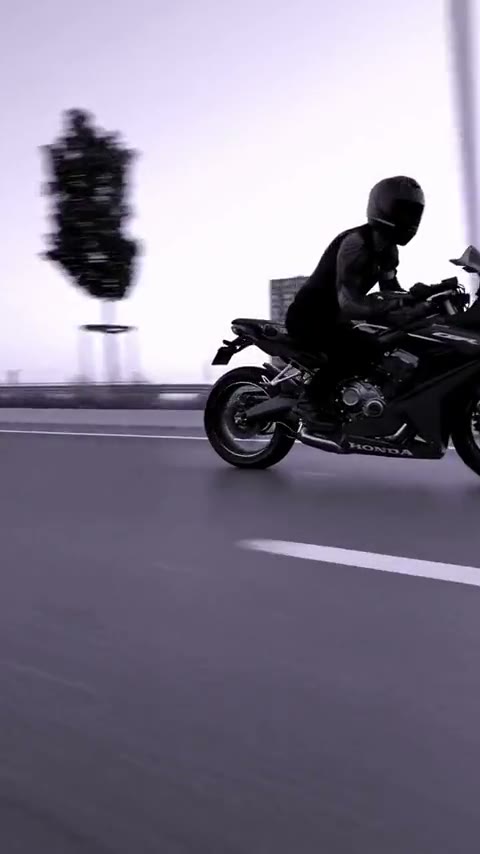 Remix
Same clips, same song, a new edit. Tap again for another one, as many times as you like.
Long shots or rapid fire. You set how often it cuts.
Sharp, smooth exports, ready for every app.
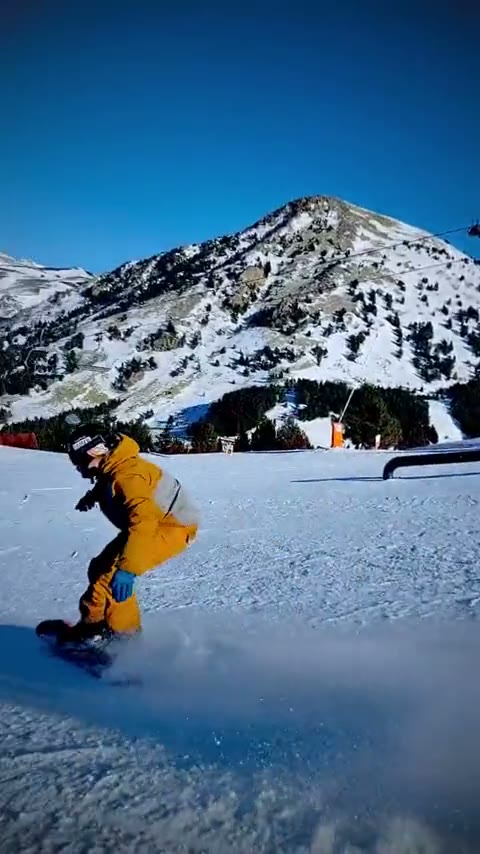 9:164:51:1
TikTok, Reels, Shorts or the feed, framed for each.
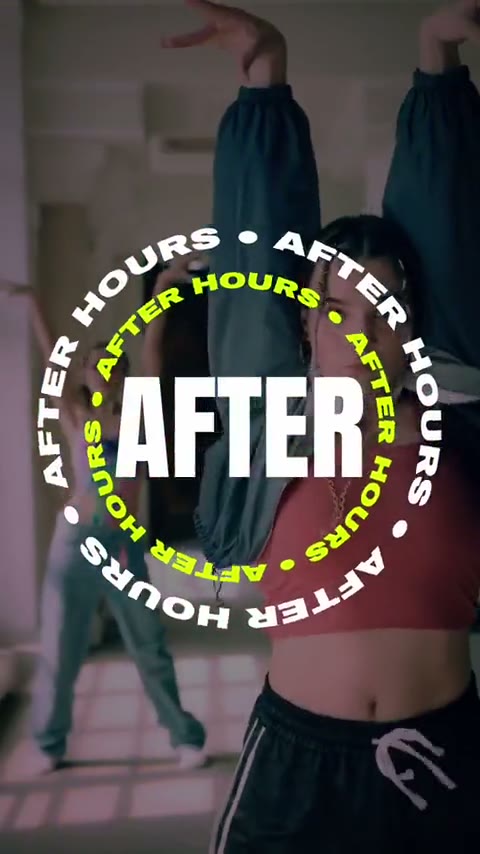 Night out
 Ride day
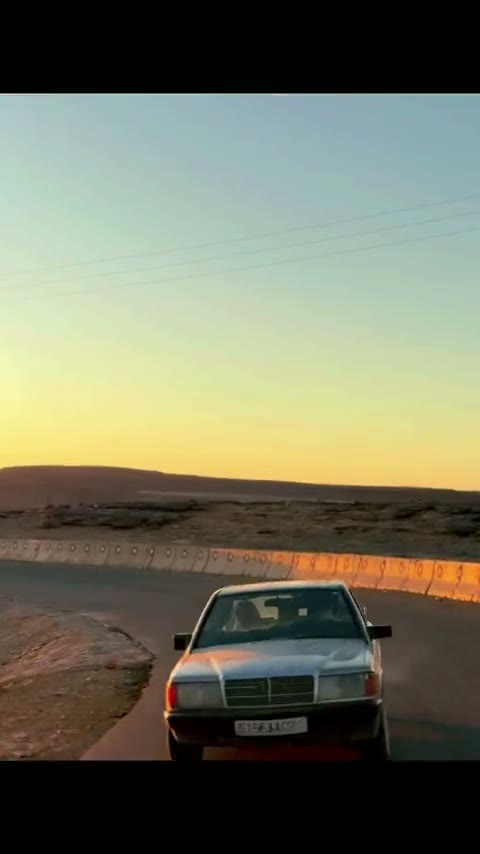 Summer
Keep the style of an edit you love, or build one from scratch: its looks, effects, hits, transitions and text. Use it on your next clips.
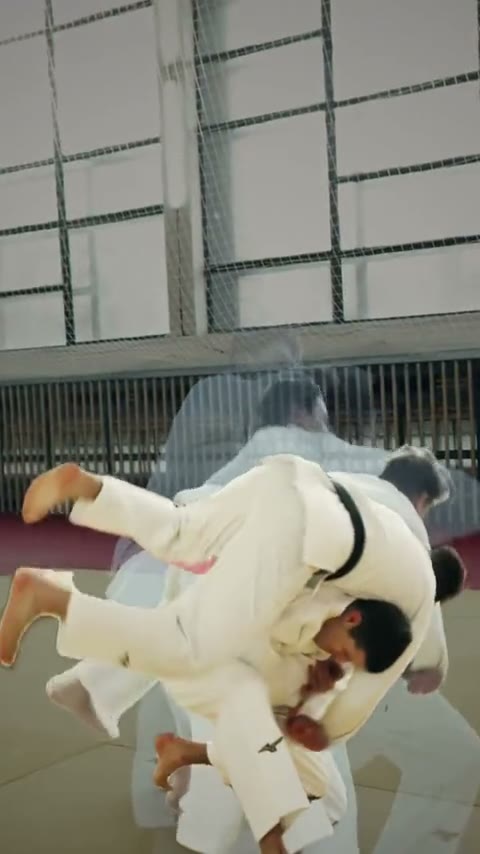 NO LOGOWATERMARK
Not even on the free plan. Your videos are yours.
Your logo and handle on the last beat, your colors and font on the words. Every edit, on brand.
Pick the part of the song you want: drag where it starts. A beat feels off? Fix it in a tap.
On the App Store, for iPhone.
Download on theApp StoreLeave your email and we will tell you the day it's out. One email, nothing else.